


An uncomfortable working day doesn't always call for a costly office makeover. Sometimes the biggest improvements start with the chair you've already got, the screen in front of you and a reason to get up occasionally.
By mid-afternoon, even a perfectly ordinary desk can start to feel like an endurance test. The shoulders creep upwards, the neck stiffens and that laptop screen seems to have spent the day encouraging you to look at your knees.
The temptation is to blame the chair, order something with more adjustments than a small aircraft and hope for the best. But a comfortable workstation depends on how everything fits together, not merely how much the furniture costs.
There is a wider reason to pay attention. Health and Safety Executive (HSE) figures show that 511,000 workers in Great Britain experienced work-related musculoskeletal disorders in 2024/25, with an estimated 7.1 million working days lost. Among those affected, 43% reported back problems and 41% reported conditions involving the upper limbs or neck.
Those figures cover workers across industries, not just people behind desks. They cannot tell us how many problems might have been avoided with a better monitor position. They do, however, put the importance of physical comfort at work into perspective.
Adjust the chair before replacing it
An expensive office chair can still be uncomfortable if it’s set up for somebody else’s body. Seat height, back support and the position of your arms matter more than an impressive price tag.
William Stokes, chief executive of flexible workspace provider Co-Space, puts it plainly: “Many people assume that buying an expensive office chair will automatically improve their posture and comfort, but even the best chair needs to be adjusted correctly.”
Start with the basics. Your lower back should be supported and your feet should rest comfortably on the floor, or on a footrest if necessary. When you’re typing, your forearms should be roughly horizontal rather than reaching up towards the desk.
A chair that allows you to make those adjustments may already be doing its job. The first purchase doesn’t always need to be another chair.
Your screen, keyboard and mouse need to work together
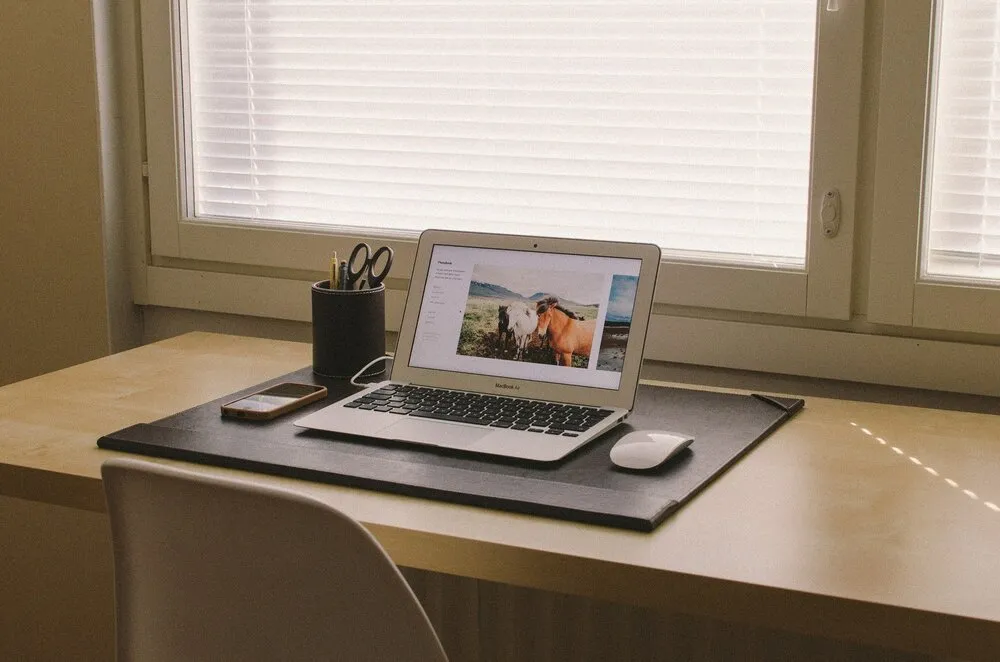
Laptop computers are convenient until you spend hours looking down at one. A screen positioned too low can encourage you to bend your neck or lean forward for long stretches, adding to the discomfort felt around the neck and shoulders.
As a general guide, Stokes recommends placing a monitor about an arm’s length away, with the top of the screen around eye level. For extended laptop use, a stand and separate keyboard and mouse can make that arrangement easier.
But raising the screen only solves part of the problem. If the keyboard is too high or the mouse sits well beyond easy reach, your arms and shoulders may still be doing unnecessary work.
Keep your keyboard and mouse close enough for your elbows to sit comfortably near your sides and your shoulders to remain relaxed. It is the sort of adjustment that takes less time than choosing a new mouse mat, and needn’t cost a penny.
The best sitting position isn’t one you hold all day
A perfectly arranged desk is not permission to stay motionless for eight hours. Remaining in one position for a long time can leave you stiff, however supportive the chair feels at first.
Stokes says: “One of the biggest misconceptions about ergonomic offices is that having the perfect desk and chair means you can comfortably stay seated all day.”
The useful change is often behavioural. Take short breaks from screen-based work, alter your position regularly and find ordinary reasons to move. Standing during a phone call or walking over to speak to a colleague can interrupt a long spell of sitting.
A height-adjustable desk offers another option, allowing you to alternate between sitting and standing. It isn’t the only route to a more varied working day.
Look beyond the furniture
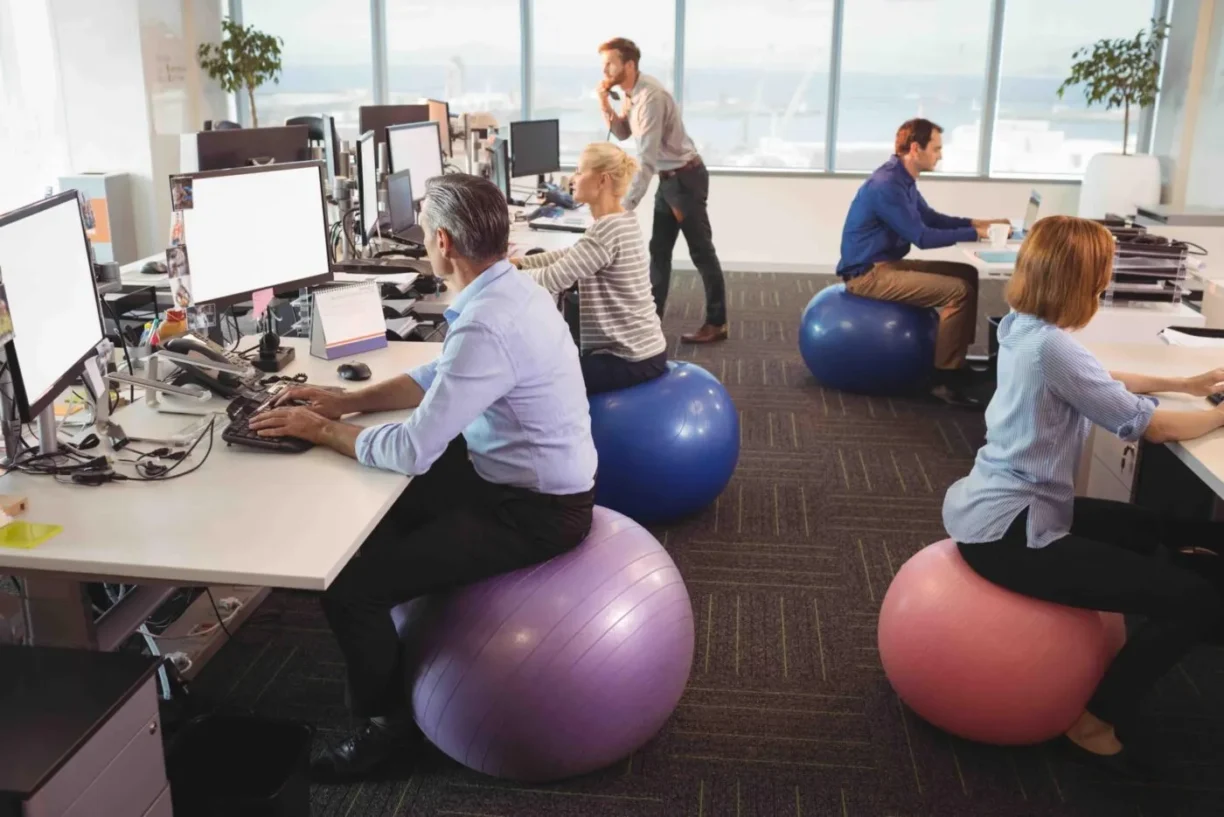
If you’re repeatedly twisting to avoid a reflection on your monitor, the problem might be the lighting rather than your posture. Bright glare can make a screen uncomfortable to view and encourage awkward positions as you try to see past it.
Check whether the screen can be repositioned to reduce reflections and whether the lighting can be adjusted. The wider workspace matters too: room to change position, step away from the screen or work somewhere else can all contribute to a more comfortable routine.
This isn’t solely the employee’s responsibility. Under HSE guidance, employers must assess workstations used by employees who work with display screen equipment, including computers and laptops, daily for continuous periods of an hour or more. Those assessments should consider furniture, equipment, working conditions and individual requirements, with identified risks addressed.
The principle is simple, even if offices sometimes manage to make it complicated: a desk should be arranged around the person using it. A monitor raised a little, a mouse moved closer or a chair adjusted properly may not look like an office transformation. By the end of the working day,